Buy an M.2 SSD only after matching three things: the interface and protocol your slot supports, the module dimensions it accepts, and the mounting position available for that length. “M.2 2280” tells you the drive's physical size; it does not establish that a SATA drive will work in a PCIe NVMe slot or vice versa.
This matters most when replacing an old laptop drive, filling a second desktop slot, or buying a compact SSD for a handheld. Two products can look almost interchangeable in a listing while requiring different electrical support. Start with the computer's documentation and use the product listing to confirm a match.
Separate the Three Labels on the Listing
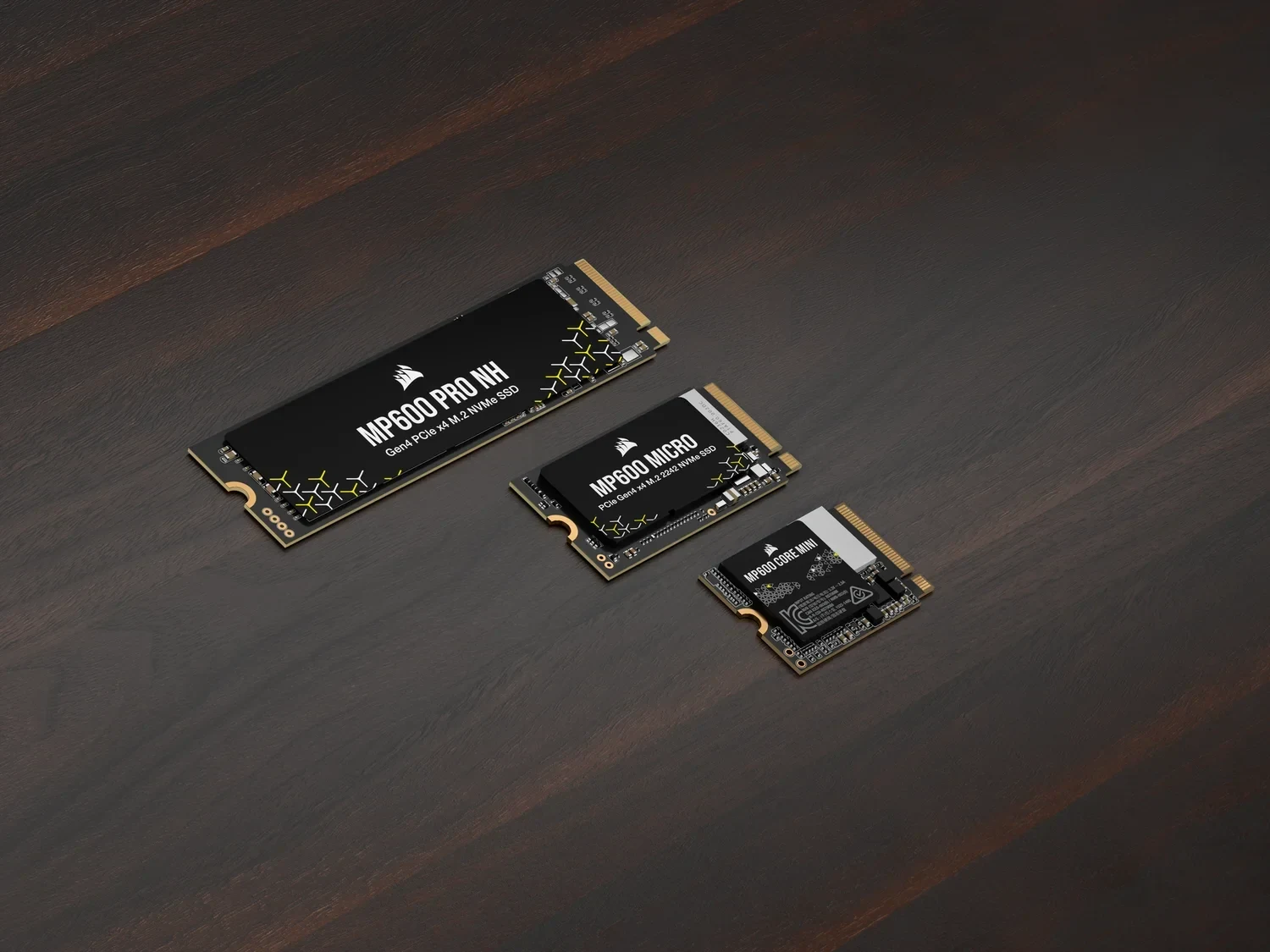
M.2 describes a physical form factor. In a size such as 2280, the first two digits indicate 22mm width and the remaining digits indicate 80mm length. The same decoding gives 22 × 30mm for 2230 and 22 × 42mm for 2242.
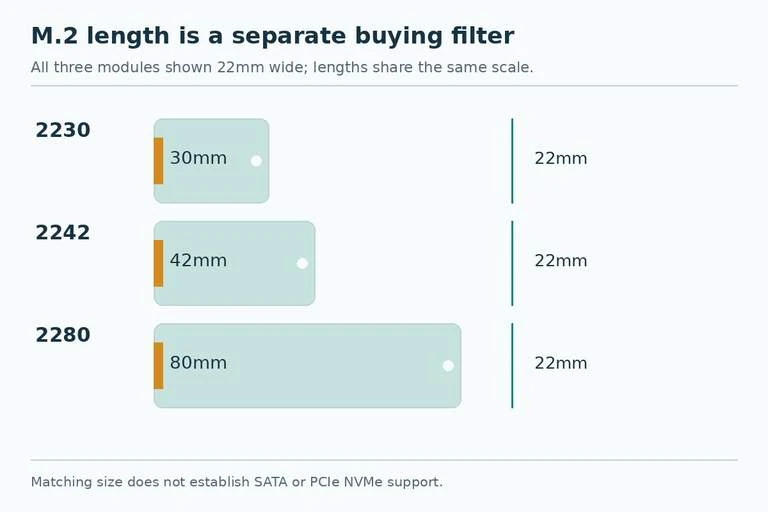
SATA and PCIe identify different interfaces. NVMe is the storage communication protocol associated with the PCIe NVMe drives being considered here. “PCIe or NVMe?” is therefore the wrong choice: the two terms can describe different layers of the same product.
A useful listing description might read “M.2 2280 PCIe NVMe SSD.” It gives you the physical size and the interface/protocol combination. A listing that says only “M.2 SSD” leaves an essential purchase question unanswered.
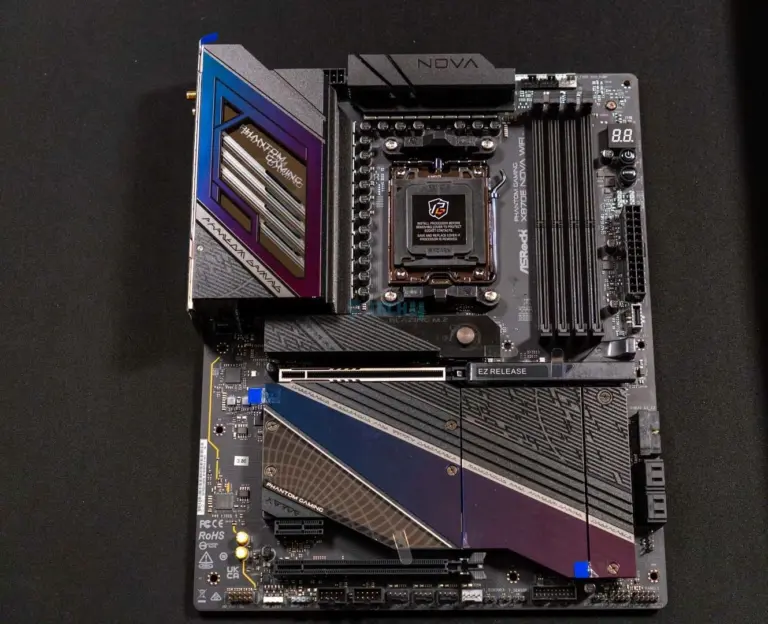
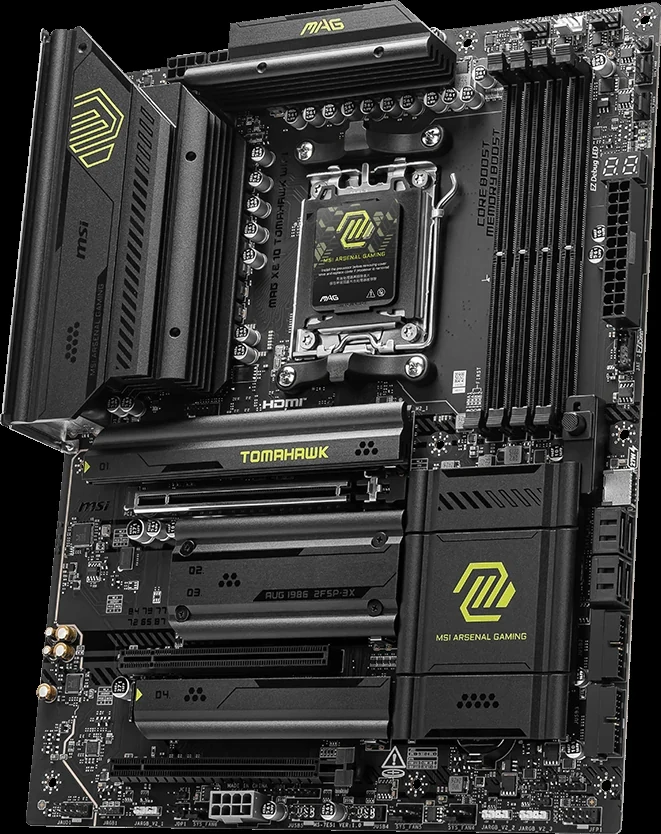
Record the motherboard's exact slot identifier as well. On a board with several M.2 sockets, one slot's support does not automatically apply to every other slot. A laptop model family can also contain variants, so use the documentation for your exact machine rather than a visually similar chassis.
Use This Exclusion Table Before Comparing Capacity
| What the host documentation says | Candidate drive | Purchase decision |
|---|---|---|
| M.2 SATA only | M.2 PCIe NVMe | Exclude: interface support does not match |
| M.2 PCIe NVMe only | M.2 SATA | Exclude: physical resemblance is insufficient |
| Explicit support for both SATA and PCIe NVMe | Either supported interface | Continue to size and mounting checks |
| M.2 mentioned without interface details | Any M.2 SSD | Pause until interface support is established |
| Compatible interface, 2280 only | 2242 or 2230 | Require documented short-drive mounting support |
| Compatible interface and length, uncertain retention hardware | Same-size SSD | Confirm the standoff, screw, or latch before ordering |
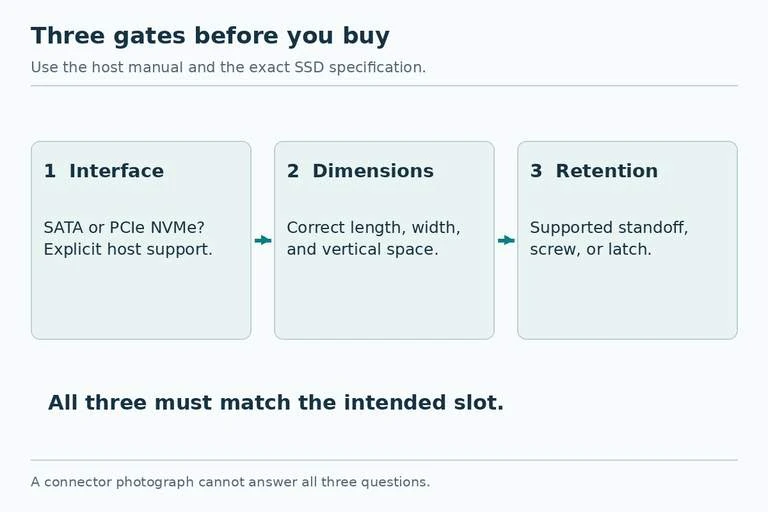
The first two exclusions follow from the interface mismatch; an M.2 label does not make SATA and PCIe NVMe interchangeable. A slot supporting both must be documented as such. Do not infer dual support because a connector accepts the card mechanically.
After a candidate passes these checks, compare capacity and supported PCIe generation. That sequence keeps a faster specification from distracting you from a drive that the host cannot use.
Do Not Identify the Protocol by Counting Notches
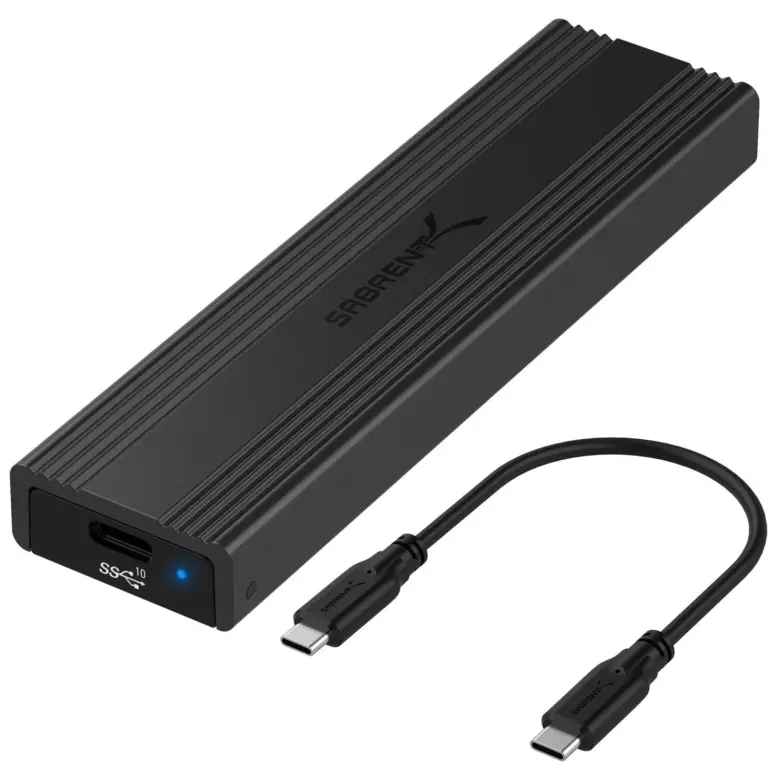
Keying is relevant to physical compatibility, but notch count alone is not a reliable buying test for SATA versus NVMe. Use the drive's specification and the host slot's supported interfaces. If you are identifying an installed drive, read its model number and retrieve its official specification instead of classifying it from a photograph.
This distinction is especially useful with marketplace listings. A seller may use a generic M.2 image, omit the interface, or put several variants on one product page. Select the exact capacity and interface variant first, then verify the resulting part number. A photograph of one connector is weaker evidence than an explicit specification for the SKU you will receive.
If the documentation is ambiguous, ask a narrow question: “Does slot M2_2 on this motherboard revision support M.2 SATA, PCIe NVMe, or both?” That is more likely to produce a usable answer than asking whether the board “supports M.2.”
Check the Length and the Retention Point Together
A 2242 card is shorter than a 2280 card, but shorter does not automatically mean installable. It still needs a supported retention point at the end of its 42mm body. A screw location intended only for an 80mm module does not hold the shorter card in the correct position.
CORSAIR's 2242 installation guide directs the buyer to identify a suitable slot using the system documentation and place the standoff in the 2242 position. It also recognizes that some systems use a clasp instead of a screw. Follow the host's retention design rather than improvising a way to hold a loose drive.
Check the available vertical space and heatsink restrictions too. A host's stated length support is only one physical dimension. This is particularly relevant when replacing a covered laptop module or using the motherboard's own M.2 heatsink. Choose a drive assembly that the host documentation allows.
Apply the Checklist to Three Purchases
For example, a laptop manual specifies an M.2 2280 SATA SSD. A discounted 2280 PCIe NVMe drive passes the size check and fails the interface check. Reject it even if its advertised speed is higher.
In a second example, a handheld calls for a 2230 PCIe NVMe module. A 2280 NVMe drive matches the interface but is 50mm longer. It fails the physical requirement. Capacity and price cannot correct that mismatch.
For a desktop example, assume the manual explicitly permits 2242 and 2280 PCIe NVMe devices in the chosen slot. A 2242 NVMe candidate can proceed, provided the documented retention hardware is available. Power down the system before installation, follow electrostatic precautions, and secure the drive without overtightening the screw. Replace the specified cover or heatsink according to the system instructions.
Write a Complete Order Specification
Your final shopping note should contain the host model and revision, the slot name, supported interface/protocol, permitted dimensions, retention method, and any heatsink restrictions. Beside it, record the candidate SSD's exact part number and the same characteristics.
If you cannot fill in one of those required fields, keep the purchase pending. If every required field agrees, you have a defensible compatibility shortlist and can compare capacity, warranty, and price among suitable drives. The useful result is a drive that works in the intended slot, with a mounting method the system actually supports.