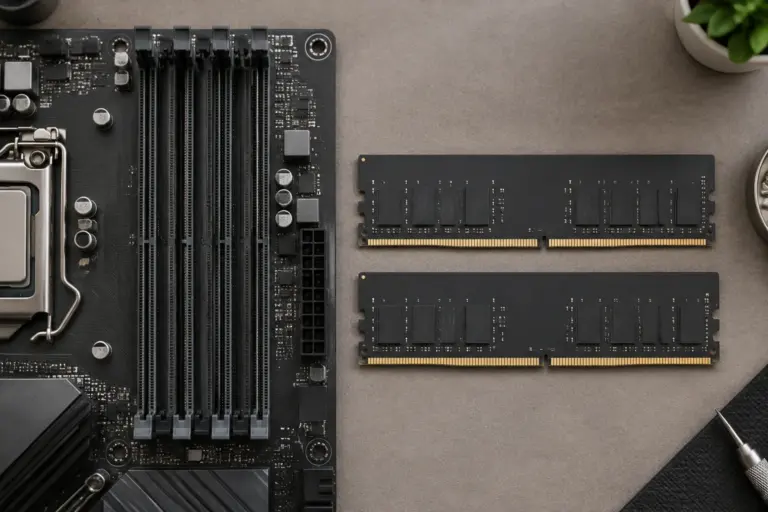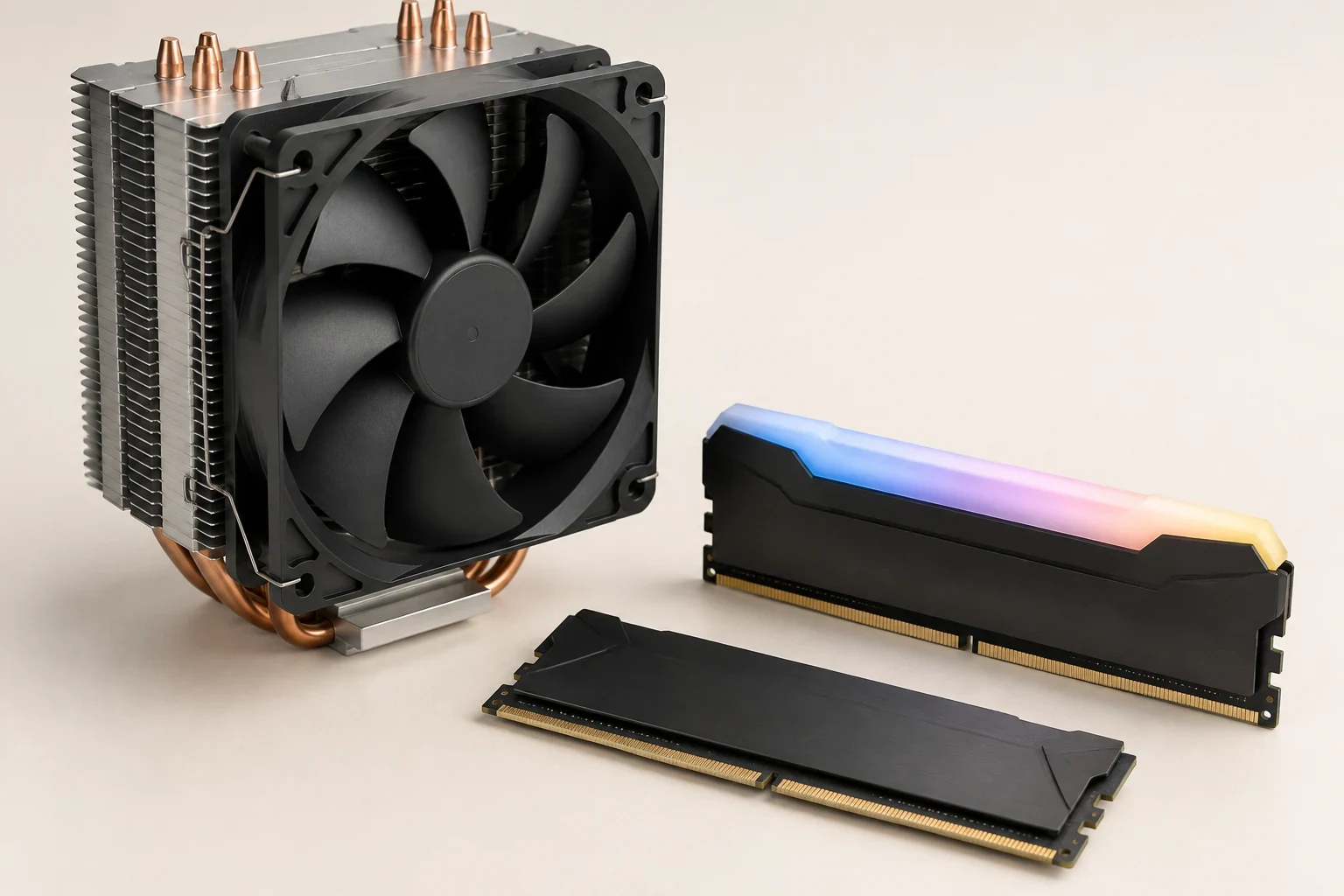
Keep your tower cooler by choosing memory against its actual RAM clearance, using the height of the complete DDR4 module. Within CORSAIR's listed families, VENGEANCE LPX is 33.53mm tall, VENGEANCE RGB PRO SL and RGB RT are 44.8mm, and RGB PRO is 51mm. That difference can decide whether the cooler's front fan stays in place, needs to move upward, or cannot clear the case panel.
RGB is therefore a second-stage choice. First establish the usable envelope around the DIMM slots; then compare the kits that fit it. A smaller heat spreader does not make a kit electrically compatible, and a supported memory kit does not automatically clear a large air cooler.
Measure the Overlap Before Comparing RAM
Look up your cooler's RAM clearance in the intended fan configuration. Check whether the restriction comes from the fan, the heatsink itself, or another fixed part. A fan that can slide upward may provide an adjustment route. A fixed heatsink overhang is a different constraint and cannot be solved merely by moving the fan.
Next, establish which DIMM slots the motherboard requires for your intended module count. Those are the positions the cooler must clear. Do not base the purchase on an empty slot that sits farther from the socket if the manual wants your two modules elsewhere.
Record the case's maximum cooler height alongside the cooler's current installed height. You need both numbers if fan adjustment is part of the plan. If you cannot obtain a clear clearance specification, measure the relevant installed area or ask the cooler maker about the exact cooler, motherboard, and RAM combination before ordering tall modules.
Use the Complete-module Dimensions
These are CORSAIR's published DDR4 module dimensions. The prefixes help distinguish closely named families; the full kit part number is still necessary when purchasing.
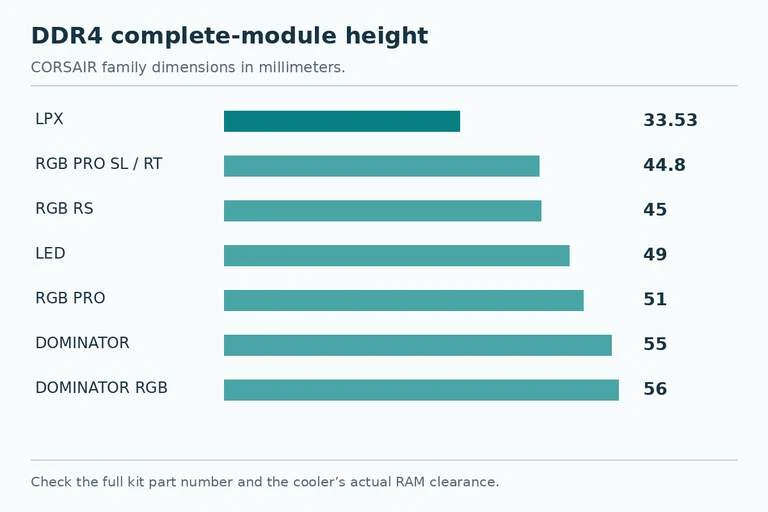
| DDR4 family | Prefix | Length | Width | Height |
|---|---|---|---|---|
| VENGEANCE LPX | CMK | 135mm | 6.64mm | 33.53mm |
| VENGEANCE RGB PRO SL | CMH | 138.3mm | 7.5mm | 44.8mm |
| VENGEANCE RGB RT | CMN | 138.3mm | 7.5mm | 44.8mm |
| VENGEANCE RGB RS | CMG | 135mm | 7mm | 45mm |
| VENGEANCE LED | CMU | 136mm | 7.5mm | 49mm |
| VENGEANCE RGB PRO | CMW | 138.3mm | 7.5mm | 51mm |
| DOMINATOR PLATINUM | CMD | 135mm | 7mm | 55mm |
| DOMINATOR PLATINUM RGB | CMT | 135mm | 8mm | 56mm |
Do not replace these measurements with bare-PCB height or a photograph of the lighting bar. The cooler encounters the assembled module, including the heat spreader and top section. “Low profile” is also less useful than a number: even the shortest option here must fit the clearance of your particular cooler.
The table does not rank memory speed or quality. Its job is to remove mechanically unsuitable families before you spend time comparing capacity, timings, and platform support.
Work Through a Clearance Example
For example, assume a cooler documents 42mm RAM clearance in its normal fan position. LPX at 33.53mm is below that limit. RGB PRO SL and RGB RT at 44.8mm exceed it by 2.8mm; RGB RS exceeds it by 3mm; RGB PRO exceeds it by 9mm.
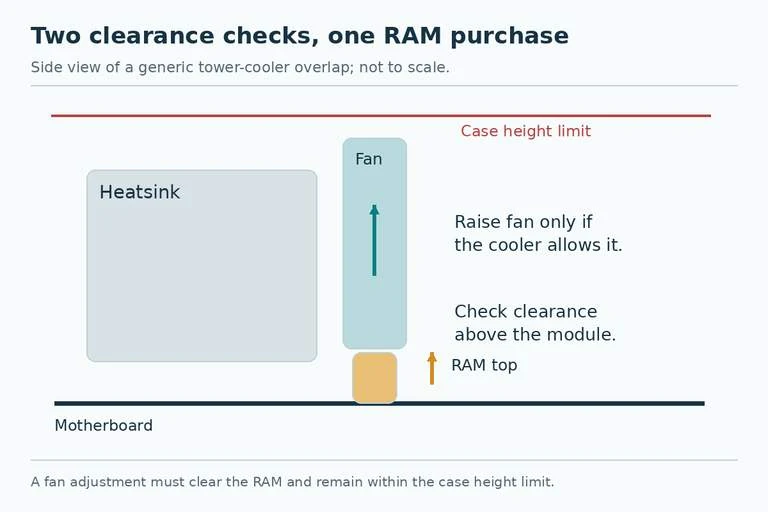
Those differences are screening calculations, not instructions to raise every cooler fan by precisely that amount. Check the maker's adjustment procedure and the resulting overall height. The fan's original top edge may sit below or above another part of the cooler, so RAM height difference and total cooler height increase need not be identical.
Suppose the actual adjusted assembly would stand 168mm tall in a case with a 170mm limit. That clears the listed height numerically, but a close fit deserves a careful check of the real assembly and side panel. If the required adjustment produces a 174mm assembly, that case no longer meets the stated height requirement. Buying shorter RAM can preserve both the cooler and the case.
If the heatsink itself is the obstruction, leave fan-height arithmetic aside. Select a shorter module or a supported cooler configuration that genuinely removes the obstruction. Do not purchase a tall kit on the assumption that every tower cooler has the same adjustment range.
Decide How Much RGB You Can Actually See
Once the mechanical shortlist is clear, consider the view through the side panel. A large front fan may conceal much of an RGB module's top edge. Paying for a taller lighting design then gives you less visible benefit while creating a tighter installation.
The 44.8mm RGB PRO SL and RGB RT families offer a lower listed height than the 51mm RGB PRO family. RGB RS is close at 45mm, but its name and dimensions are different. Keep those distinctions in the shopping list rather than searching for “VENGEANCE RGB” and accepting whichever variant appears first.
If lighting is the priority, choose among mechanically suitable RGB kits. If keeping the existing cooler with minimal adjustment is the priority, shortlist the shortest compatible kit first. Neither preference requires treating RGB as a performance feature.
Finish with the Exact Kit and Platform
A practical purchase record includes the full kit part number, DDR generation, total capacity, module count, electrical support for your motherboard and CPU, module height, and the cooler configuration you checked. A DDR4 family dimension is useful evidence for physical screening; it does not replace the board's memory support information.
Before installing, follow the motherboard and cooler instructions for access and module seating. If the cooler blocks the DIMM latches, plan the installation order rather than forcing a module beneath the fan. Check the adjusted fan's mounting and the panel fit before considering the assembly finished.
Choose LPX when its shorter envelope solves your clearance problem and the exact kit meets your platform needs. Choose a lower RGB family when you have measured room for it. Choose a taller RGB or DOMINATOR module only when the complete installed arrangement supports that height. This keeps the decision tied to the parts you intend to retain.