An AIO for the CORSAIR AIR 5400's cooling chamber must pass three checks together: a supported 120mm, 240mm, or 360mm size; no more than 70mm combined radiator-and-fan thickness; and tubing at least 380mm long. CORSAIR prefers 400mm or longer tubes for easier routing. Passing the thickness check alone does not establish that the pump can reach the CPU through the intended tube path.
Start your shortlist with those three requirements, then check the CPU mounting hardware and the complete installation arrangement. The case's dedicated chamber makes tube reach a buying constraint, including on an AIO that would be straightforward to mount near the socket in a conventional layout.
Keep the Current Three-part Filter Together
CORSAIR revised its published radiator-and-fan allowance to 70mm in its October 30, 2025 update. Use that combined figure when screening the chamber, rather than an older thickness claim or the radiator's specification in isolation.
| Check | What to obtain from the exact AIO | Screening rule |
|---|---|---|
| Supported format | Nominal radiator size | 120mm, 240mm, or 360mm |
| Chamber depth | Radiator thickness plus installed fan thickness | Combined stack at or below 70mm |
| Reach | Tube length | At least 380mm; 400mm or longer preferred |
A 280mm or 420mm model does not become suitable because it is thin or has long tubes. It fails the supported-size list for this chamber. Likewise, a compact 120mm unit still needs sufficient tube length; a small radiator does not shorten the chamber-to-CPU route.
If the product page omits one of the necessary measurements, keep that model pending and obtain the information from the manufacturer. Do not substitute an estimate from a marketing photograph for the tube-length specification.
Add the Radiator and Fan Thicknesses
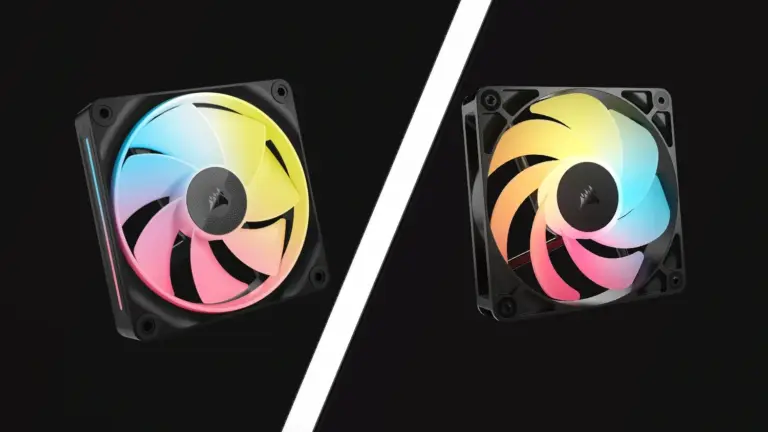
Use the thickness of the fan you will actually install. A replacement fan can change the result even when the AIO model stays the same. CORSAIR's example combines a 27mm radiator with 25mm fans for a 52mm stack; using 30mm fans instead gives 57mm. Both remain below 70mm.
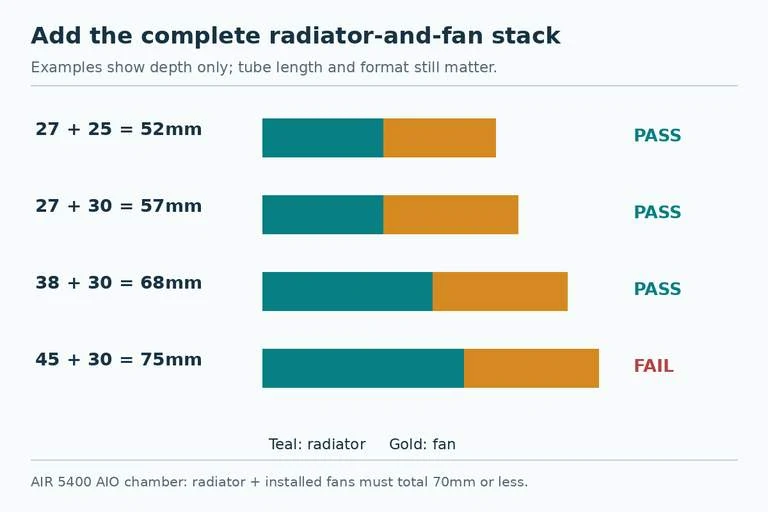
For a separate hypothetical example, a 38mm radiator with a 30mm fan gives 68mm. That passes the numerical stack screen. A 45mm radiator with the same fan gives 75mm and fails it. These calculations compare depth, not cooling performance.
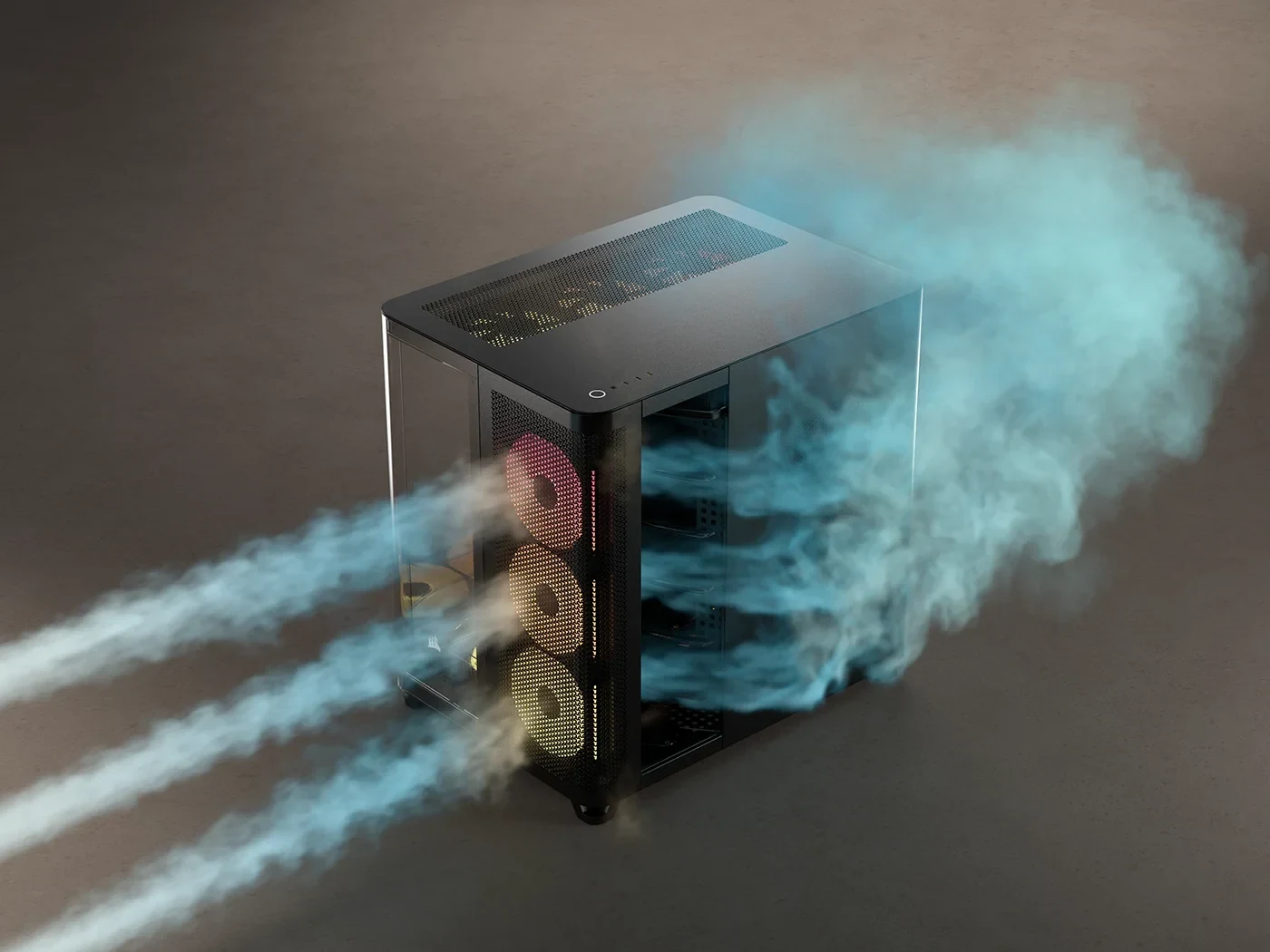
Near the limit, verify the physical assembly and any protruding parts against the case guide. A nominal dimension does not describe every cable connector, tube fitting, or mounting feature. The reason to retain the 70mm limit is the air guide that directs exhaust out of the cooling chamber; exceeding it can cause a conflict.
Do not remove that guide as an assumed compatibility workaround. If a desired AIO requires a different case configuration, establish that configuration explicitly rather than buying it under the original chamber specification.
Check Tube Reach Along the Intended Route
Tube length is a separate pass/fail question. CORSAIR specifies at least 380mm, with 400mm or more preferred. Its guidance also notes that a pump head allowing the tubes to exit toward the right may make routing easier. That is conditional on the AIO's permitted pump orientation, not permission to rotate every pump arbitrarily.
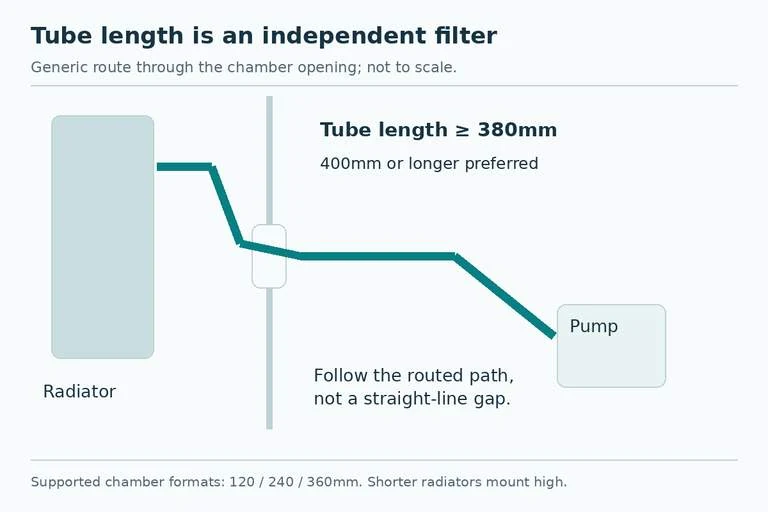
Compare the planned path through the chamber's brush openings to the CPU block position. Account for where the tubes leave the radiator and pump, and for the space needed to route them without forcing a tight turn. Measuring a straight line from radiator to socket overlooks the actual passage between chambers.
For example, a slim 360mm AIO with 350mm tubes passes the size and depth checks but fails the published minimum tube length. A thicker 68mm stack with 400mm tubes can remain on the shortlist because it passes both numerical screens. Neither example needs a guess about temperatures to produce a useful buying decision.
Mount Shorter Radiators in the Supported Position
The 120mm and 240mm options need another installation detail: CORSAIR says to mount radiators smaller than 360mm high enough to route their tubes through the brushes, with the radiator ports higher than the pump. Check this position before treating the extra empty rail space as freedom to place a short radiator anywhere.
This can affect whether a smaller AIO is a sensible reuse candidate. If you already own one, verify its tube length and permitted mounting arrangement. If you are purchasing new, compare the supported installation as a whole rather than assuming the smallest unit is the easiest to fit.
The case guide describes the chamber around a single radiator-and-fan arrangement and explains why its air guide was not designed for push/pull. Do not add a second fan bank simply because you can make one thickness calculation approach the limit. It is a different arrangement that needs separate support.
Complete the Order with the Hardware You Will Use
Before payment, record the AIO model and revision, supported size, radiator depth, actual fan depth, combined depth, tube length, CPU socket kit, and intended mounting position. For an existing AIO, include any missing mounting pieces in the cost of reuse.
Follow both the AIO and case installation guides. Inspect the finished path for forced tubes, interference with the air guide, and access to required connectors. A model that passes the shortlist still needs to be installed in the arrangement that made it suitable.
The practical choice is the AIO that satisfies size, stack depth, and reach together. Keep the 70mm and 380mm figures on the same shopping note, with the 400mm preference beside them. That prevents a thin radiator or an attractive fan upgrade from hiding the tube-length problem until assembly.