As an Amazon Associate I earn from qualifying purchases.
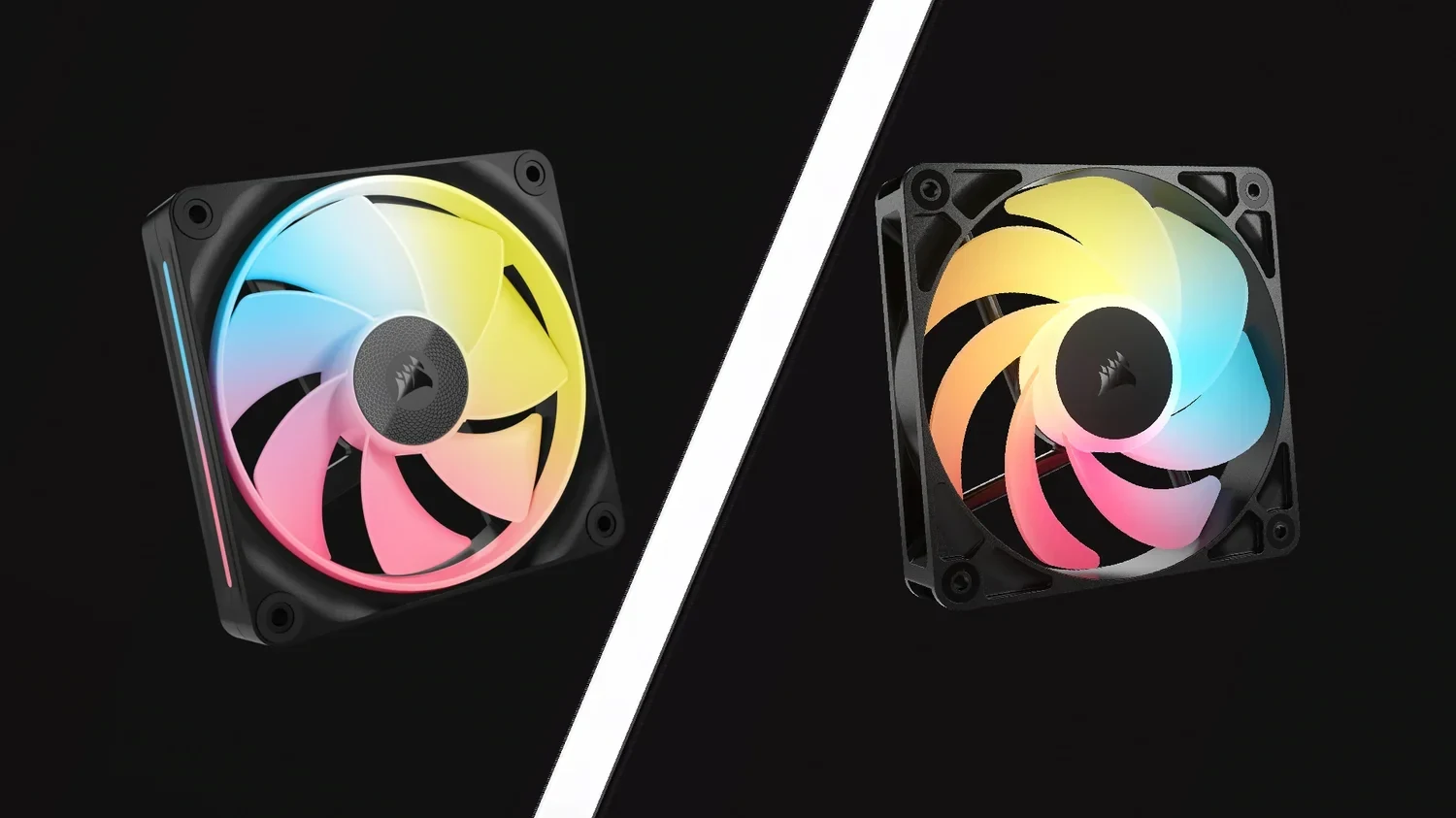
Choose RS120-R ARGB when you want a 120mm reverse fan using separate motherboard PWM and 5V ARGB connections. Choose LX120-R (black three-fan starter kit with System Hub) or LX140-R when you want the iCUE LINK route; among these families, LX-R is also the option for a 140mm reverse fan. The control system and mounting size should decide the shortlist before headline airflow figures do.
Reverse fans solve a specific visual problem: they let a visible intake position show the intended front face. They do not remove the need to plan intake and exhaust. Buy the airflow direction needed at each location, then choose the connection system you can support.
Decide Which Positions Need Reverse Blades
In the reverse designs described by CORSAIR, airflow travels from the back toward the display face. That can suit a bottom or side intake whose front face you want to see through the glass. A normal fan installed with its attractive face visible may move air the wrong way for that same location.
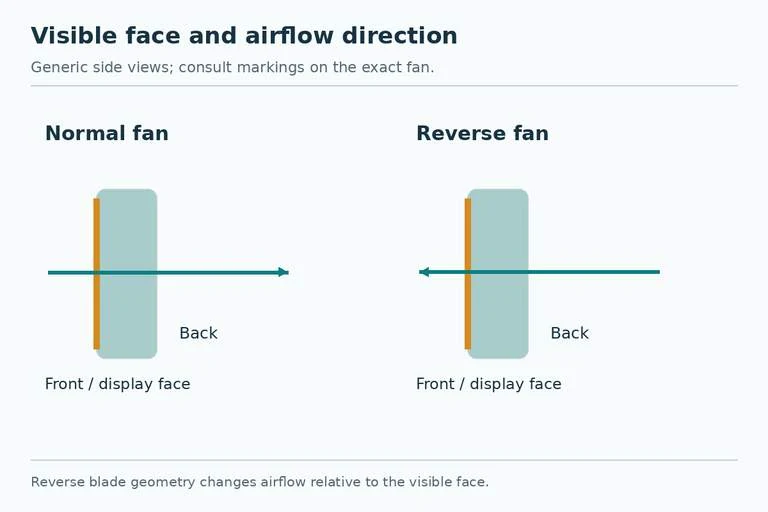
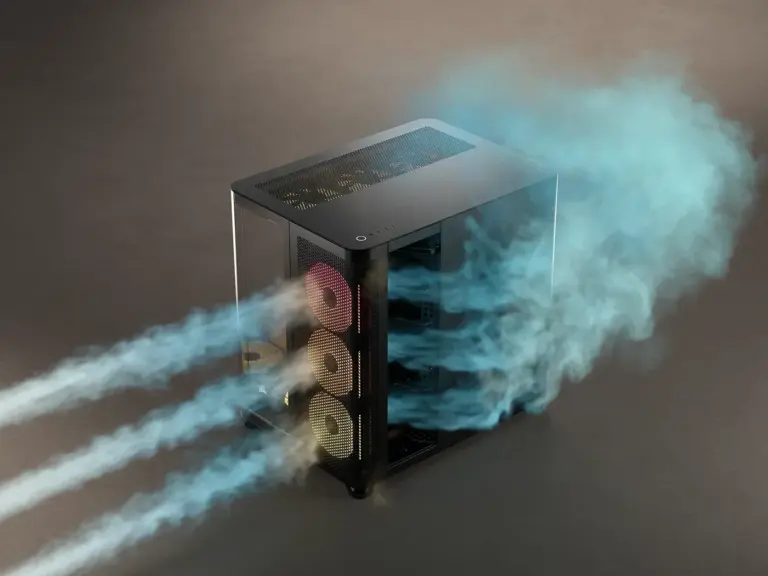
Draw the case with an arrow at every fan position. Label each arrow as intake or exhaust. Then note which face should be visible. Some positions may call for reverse fans and others for normal models. Ordering the same reverse model everywhere because the lighting matches can undermine the airflow arrangement you intended.
Use the airflow markings or documentation for the exact fan when installing. Do not identify airflow solely from an RGB ring or product photograph. A reverse fan is a blade-design choice, not a reason to reverse power wiring or attempt to change motor direction.
Match the Frame Size to the Actual Mount
| Candidate | Frame dimensions | Connection route | Useful first filter |
|---|---|---|---|
| RS120-R ARGB | 120 × 120 × 25mm | 4-pin PWM plus 5V ARGB | Existing motherboard-control plan, 120mm positions |
| iCUE LINK LX120-R RGB | 120 × 120 × 25mm | iCUE LINK System Hub | LINK build, 120mm positions |
| iCUE LINK LX140-R RGB | 140 × 140 × 25mm | iCUE LINK System Hub | LINK build, 140mm positions |
CORSAIR's comparison does not list an RS-R 140mm variant. If your plan specifically requires 140mm reverse fans, RS120-R is not a like-for-like substitute.
A case accepting 140mm fans somewhere does not establish that every bracket or radiator position accepts them. Check the exact location, supported fan count, frame depth, and nearby obstructions. Changing from three 120mm fans to two 140mm fans is a different mounting layout, not just a diameter adjustment in the cart.
Price the Complete Control Route
RS-R uses daisy-chained PWM and ARGB connections. Trace the motor-control chain to a suitable fan header and the lighting chain to a compatible 5V addressable RGB header or documented controller. Those are separate requirements. A spare fan header answers the motor question but does not establish lighting compatibility.
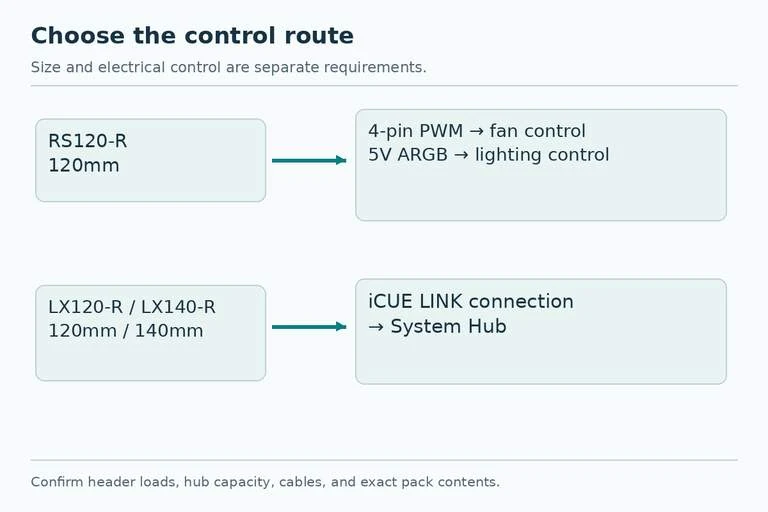
Check the total motor current against the header or powered hub's documented limit, and check the lighting load separately. CORSAIR lists 0.2A rated current for RS120-R in the comparison. For example, three such listed motor loads add to 0.6A; that arithmetic does not tell you whether your particular header permits the chain or cover the separate LED load. Use its manual.
LX-R fans connect within the iCUE LINK ecosystem and ultimately to a System Hub. Before ordering individual fans, check whether your exact pack includes the hub and cables or assumes you already have them. Confirm the hub's power, control connections, and supported device arrangement from its installation guide. A LINK connector is not a standard motherboard ARGB plug.
Do not purchase a controller solely because it has CORSAIR branding. Motor support, lighting connectors, and software control are distinct questions. Match each required connection explicitly, especially when mixing an existing controller with a new fan family.
Read Performance Specifications Without Turning Them Into a Ranking
For the 120mm comparison, CORSAIR lists maxima of 66.7CFM and 4.72mmH2O for LX120-R, versus 65.8CFM and 2.81mmH2O for RS120-R. Their listed maximum speeds are 2400RPM and 2100RPM respectively.
These are manufacturer specifications at the stated operating range, not a controlled comparison of your finished system. They do not establish temperatures through your radiator, noise at your chosen speed, or a universal winner for every intake filter. Maximum airflow and maximum pressure also should not be treated as simultaneous operating results through a real restriction.
Use those values as secondary information once fit and controls are resolved. A nominally stronger pressure specification does not solve a missing hub, and a lower maximum noise figure does not prove a quieter computer at the same cooling result. Neither family needs an invented benchmark claim to explain its practical purchase role.
Choose for the Build You Are Completing
For example, a case has three visible 120mm side-intake positions, and the motherboard offers documented capacity for the required PWM and ARGB connections. RS120-R is the simpler shortlist if you want to retain that motherboard-control approach. Check the full connection load and include any genuinely required splitter or powered hub.
In another build, you already use iCUE LINK and want two visible 140mm intake fans. LX140-R (black single fan; existing System Hub required) aligns with both the size requirement and existing control route. Confirm the specific mounting position and the spare capacity and cables in your LINK arrangement before adding the fans.
Finally, if all your exhaust positions already use normal LX or RS fans, retain the direction map when adding reverse models. Matching the appropriate normal and reverse variants can preserve a consistent appearance while keeping the airflow plan intact. Your finished order should specify each fan's size, normal or reverse blade variant, color, pack contents, and required control connections. That is a more useful shopping list than simply “six RGB fans.”