As an Amazon Associate I earn from qualifying purchases.
You can replace an AIO’s fans with RGB models without replacing the cooler, but three things must line up: the radiator’s fan mounting size, a suitable radiator-oriented fan specification, and a working route for both motor control and lighting. A higher static-pressure number alone does not settle the purchase. In particular, moving from ordinary fan connections to iCUE LINK RX120 RGB fans means adding an iCUE LINK Hub; it does not mean the existing pump must become a LINK device.
The practical way to shop is to identify the fans already on the radiator, compare their specifications with the proposed replacements, and then draw the connections before ordering. That keeps an appealing RGB fan set from turning into a fit or control problem during installation.
Match the Radiator’s Mounting Family First
Buy for the holes on the radiator, not for a fan size that happens to fit elsewhere in the case. A 280mm radiator takes 140mm fans, for example; 120mm fan holes do not line up with it. Likewise, 140mm fans do not directly mount to a 360mm radiator.
| Radiator size | Matching fan size | Fans for a full replacement |
|---|---|---|
| 120mm, 240mm, 360mm, 480mm | 120mm | One, two, three or four, respectively |
| 140mm, 280mm, 420mm, 560mm | 140mm | One, two, three or four, respectively |
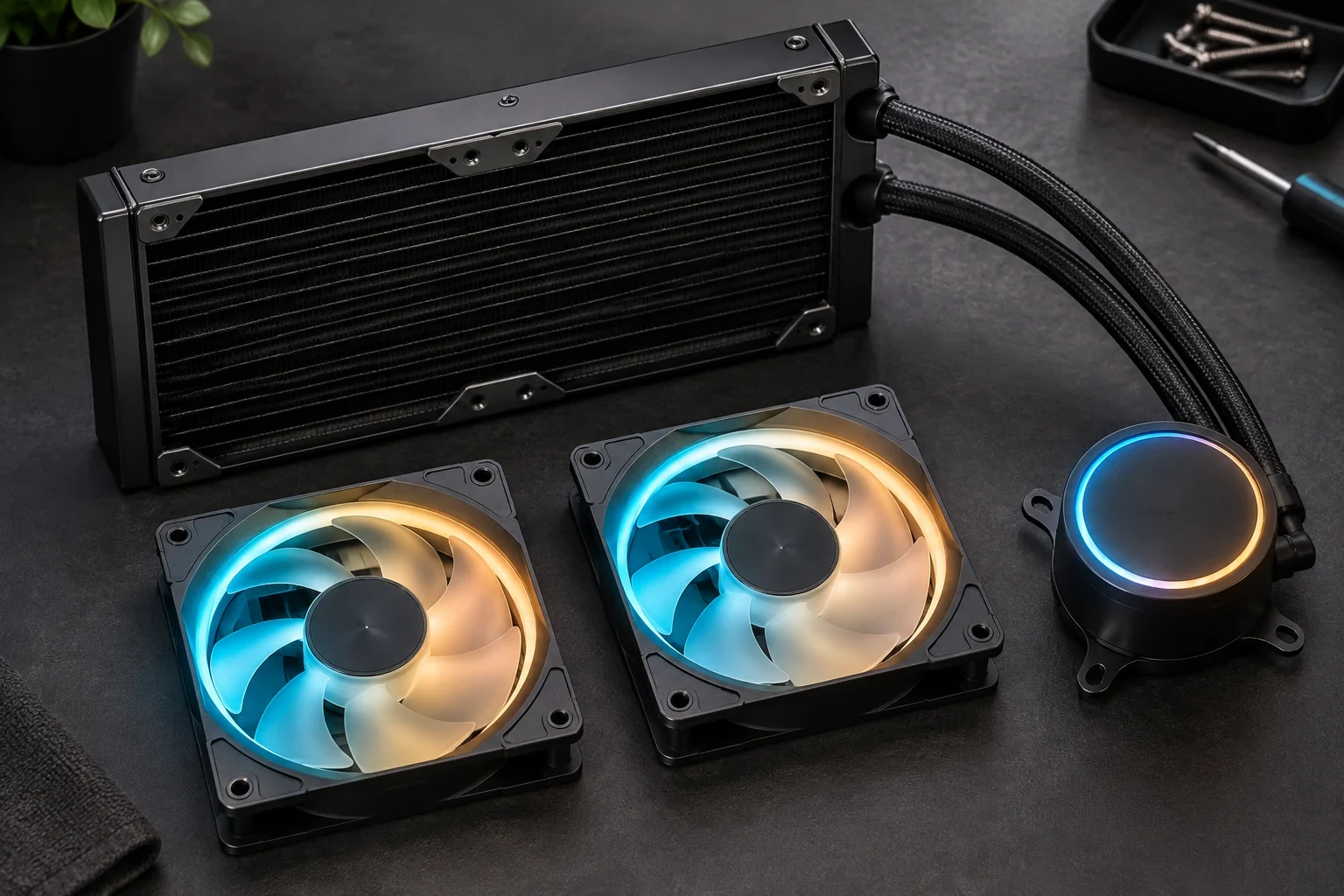
These are mounting families, not a recommendation to use one fan diameter on every radiator. CORSAIR’s radiator compatibility matrix includes all eight sizes shown above. Confirm the model of the owned AIO and count its installed radiator fans before choosing a pack. If the cooler has a 240mm radiator with two 120mm fans, replacing both calls for two compatible 120mm units—not two 140mm units simply because the case also accepts 140mm fans.
Also check the physical installation you intend to keep. The new fan must sit in the existing radiator position with room for its frame and wiring, while the case must still accommodate the radiator-and-fan assembly. Keep track of how the current fans are mounted and route the replacements without pulling on their connectors. Do not assume that hardware or cables included with a different fan kit will suit every radiator and case; verify what comes with the chosen kit and what the cooler’s instructions require.
Compare Pressure Specifications in Context
A radiator obstructs airflow with its fins, so a replacement intended for radiator use is a more relevant candidate than one selected solely for an unrestricted-airflow specification. Static pressure, commonly listed in mm-H2O, describes a fan’s ability to push air against an obstruction. CORSAIR advises comparing prospective radiator fans with the specifications of the fans supplied with the AIO, rather than choosing by appearance alone.
Start with the exact original fan model and its published pressure range. Then look at the proposed replacement’s range and whether it is presented as suitable for a radiator. A maximum is useful for screening candidates, but it is not a prediction of cooling at the speed you will actually run. A replacement and an original fan can have different speed ranges and operating behavior; comparing their highest pressure figures does not establish the temperatures or noise they will produce in your system.
For example, CORSAIR identifies the fans supplied with the iCUE H100i RGB ELITE AIO cooler as AF ELITEs, with a stated static-pressure range of 0.09–1.92 mm-H2O. Its example replacement, the iCUE LINK RX120 RGB 120mm, is listed there at 0.12–4.33 mm-H2O. That makes the RX120 a plausible pressure-spec candidate for this 120mm-fan radiator rather than a fan whose published range falls conspicuously short of the original. It does not establish a measured cooling improvement, quieter operation or a particular result at a given fan speed.
Use those figures as specifications for that particular comparison, not as a rule that 120mm fans always generate more pressure than 140mm fans. Fan design matters, and the radiator’s mounting family still determines which diameter you can install. If you are considering another RGB model, repeat the comparison using that model’s own specifications instead of transferring the RX120 numbers to it.
Plan Motor Control and RGB Control Separately
An ordinary RGB fan generally has two connection jobs: one cable supplies and controls the fan motor, and another supplies and controls the lighting. On a regular AIO arrangement, fan motors may connect to motherboard PWM headers or a separate controller, while lighting connects to a compatible motherboard RGB/ARGB header or RGB controller. A motor connection alone does not give the LEDs a control route, and an RGB connection alone does not run the fan.
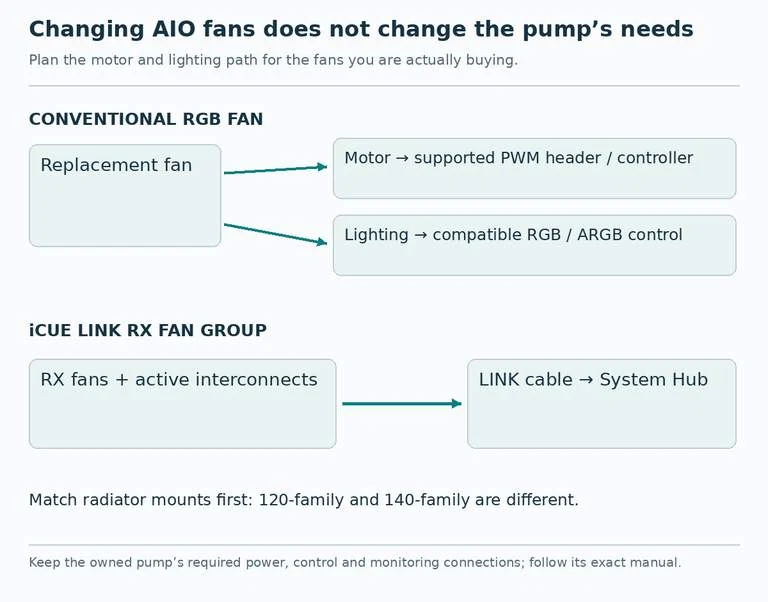
Before buying conventional RGB replacements, trace the current setup rather than assuming that the plugs on the old fans tell the whole story. Where do the existing radiator fans get motor control? Is there a compatible, available connection for each replacement, or an appropriate controller arrangement? Where will each lighting lead go? Check the replacement fan’s specified connectors against those destinations. A motherboard lighting header and a separate RGB controller are choices to verify for compatibility, not interchangeable labels for any LED plug.
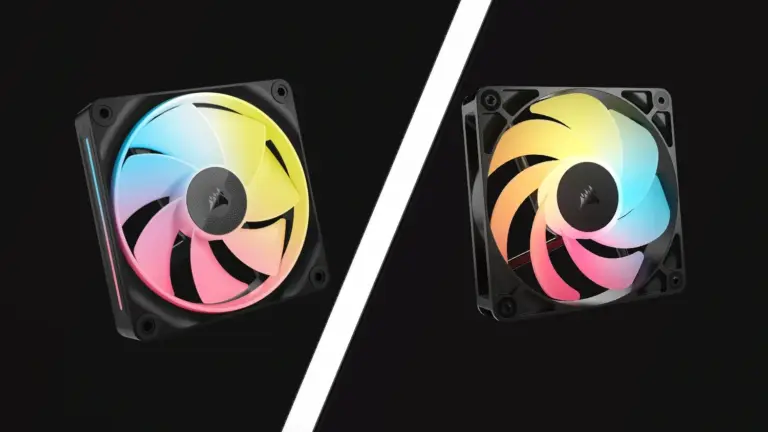
iCUE LINK RX120 RGB 120mm fans take a different route. In an iCUE LINK setup, connected fans pass power and data between one another through active connectors when installed together on the same surface, reducing the separate fan-and-lighting cables used by regular RGB fans. They still need an iCUE LINK Hub as part of the LINK setup; the ordinary fan controller that ran the old AF ELITEs is not, by itself, that hub. A fan elsewhere in the case may also need another LINK cable rather than relying on the radiator group’s connection.
Keep that distinction confined to the components you are changing. Replacing the H100i example’s fans with LINK models does not automatically replace its pump or require discarding a controller that remains necessary for the existing cooler. Preserve the pump’s required power, control and monitoring connections according to the exact AIO and motherboard instructions. In particular, do not apply another AIO’s general header advice to your own pump or CPU-fan monitoring arrangement.
Build a Complete Fan-upgrade Cart
For the H100i example, first confirm that the owned unit is the iCUE H100i RGB ELITE AIO cooler with its two AF ELITE radiator fans. A complete proposed fan change would account for two iCUE LINK RX120 RGB 120mm fans, an iCUE LINK Hub, and the appropriate LINK connection and mounting items for the actual layout. Check the contents of the particular pack before purchasing: a fan listing and a complete, connectable installation are not necessarily the same thing. The original pump and any connections it still requires remain part of the cooler.
If you instead want conventional RGB fans, the alternative cart is two appropriately sized radiator-suitable fans plus confirmed destinations for both their motor leads and their lighting leads. That may be preferable when you want to retain a compatible existing control arrangement rather than add LINK hardware. Conversely, a LINK fan set makes sense when you want its connection system and are willing to include its hub. Neither choice follows automatically from which pressure maximum is larger.
Finish with a short check against the machine in front of you:
- Fit: radiator size, fan diameter, fan count and available installation space.
- Fan suitability: the exact original and replacement specifications, including their stated static-pressure ranges.
- Motor path: a supported way to power and control every replacement fan.
- Lighting path: a compatible RGB destination—or the required LINK hardware and connections.
- Existing cooler: unchanged pump connections and any required monitoring arrangement.
If the proposed parts satisfy all five, the purchase is a coherent fan upgrade. If one path remains unidentified, resolve it before checkout rather than hoping that matching fan dimensions or a strong pressure figure will supply the missing connection.